Connecting to the platform¶
How the Dashboard reaches kneo-serv, how the operator session maps to platform
credentials, and where dashboard-local state lives.
The platform connection¶
The BFF never talks to kneo-serv directly — it goes through kneo-client, which
owns auth, retries, idempotency, pagination, and error normalization. The connection is
a kneo-client profile, resolved from:
KNEO_URL+KNEO_API_KEYenvironment variables, orKNEO_PROFILEnaming an entry in~/.config/kneo/client.toml.
The API key stays in the profile store — it is never read into the browser. Every
/api/* request opens a short-lived client for that profile and closes it on teardown.
Operators authenticate at the BFF (0.4.0)
A real deployment runs OIDC (KNEO_DASH_AUTH_MODE=oidc): each operator signs in,
gets a server-side session, and is authorized server-side by capability (the role is
resolved through the effective Access map; the required capability is enforced) on every
privileged call. Dashboard-local writes are stamped with the real operator
identity (created_by: system appears only on pre-0.4.0 rows). Static mode
(KNEO_DASH_DEV_MODE=1) is a single unauthenticated operator — dev/trial only
(the app refuses to start in static mode without the opt-in). See
ADR-009.
Platform compatibility (kneo-serv version floors)¶
The Dashboard pins a kneo-client range (kneo-client>=1.1.0,<2), not a kneo-serv
version. kneo-client negotiates the wire contract at runtime, so newer platform features
degrade gracefully by the live server's capability rather than requiring a matching serv
pin. A few surfaces need a recent kneo-serv; below the floor they drop the feature, not the
page:
| Feature | Needs kneo-serv | Below the floor |
|---|---|---|
Runs list content search (q, over run output) |
≥ 1.2.0 | the q facet is dropped and the list re-runs without it (the below-floor 422 unknown_query_parameters → the BFF drops the top tier and retries) |
Runs list filters — has_error · workflow_kind · created_after / created_before |
≥ 1.1.0 | those facets are dropped (tier-by-tier); the base status filter still applies |
Session / run-chain filter (session_id) |
≥ 1.1.0 | the run-chain nav reports available: false |
| Run graph (workflow DAG) | ≥ 1.1.0 | available: false — the SPA falls back to the RunDetail.path breadcrumb |
| Checkpoint diff (time-travel) | the diff endpoint | surfaces "not available" via the standard error envelope (§12) |
The BFF drops the highest tier first and retries, so e.g. a 1.1.0 server keeps
has_error/workflow_kind/age filtering and only loses q. Each dropped facet is reported
so the SPA can show what the live server couldn't honor. This is the same tiered-degrade
mechanism the dev docs call _FILTER_TIERS.
Environments¶
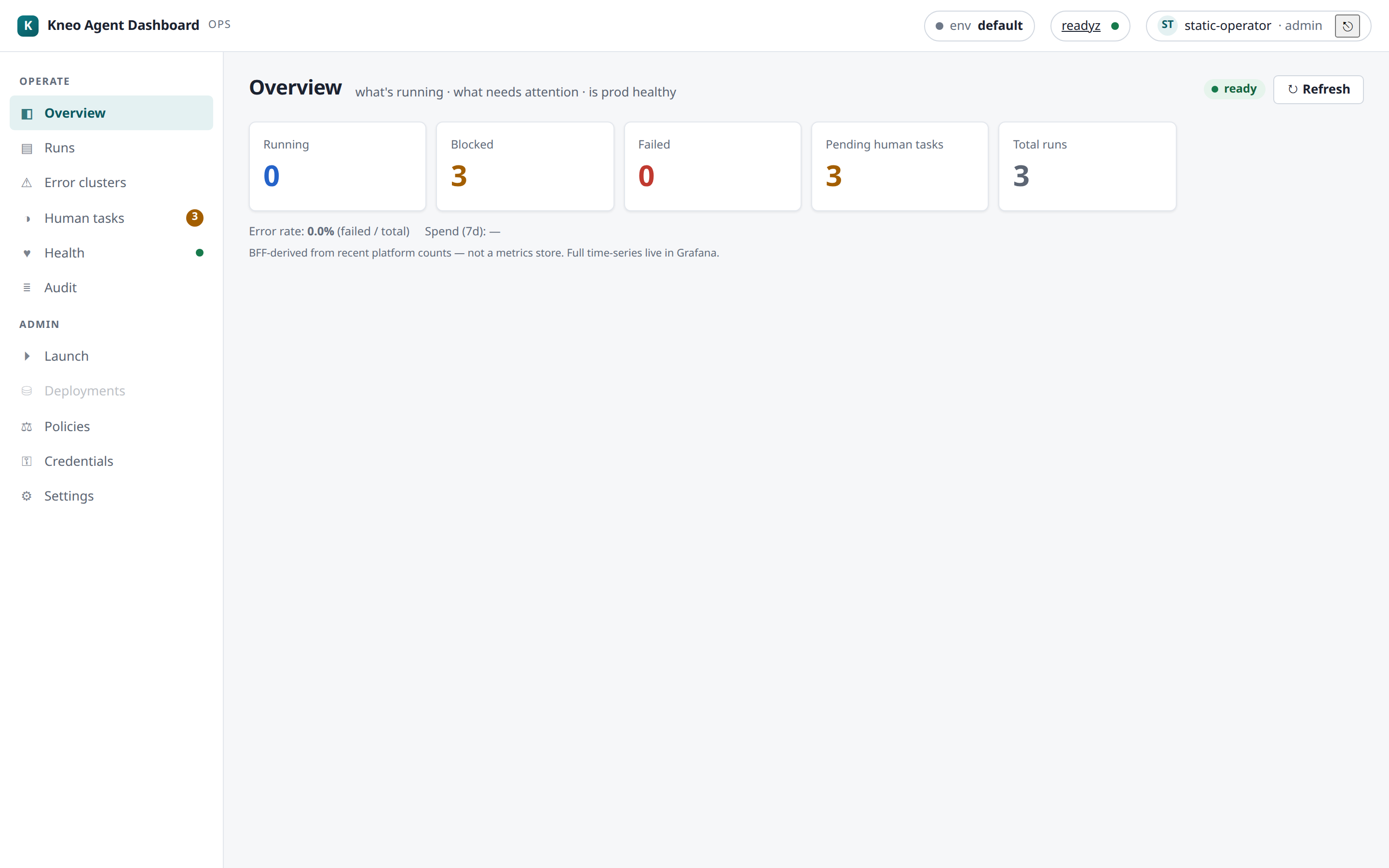
The top bar shows the active environment chip with a live env switcher (0.4.0;
since 0.8.0 it lists only the environments your role may use — an env-restricted
role never sees an option whose use would 403):
its options come from Settings › Connections (each environment → a kneo_client
profile), and the active env rides on X-Kneo-Env so a single Dashboard serves multiple
environments. Per-role environment grants (Settings › Access) confine which roles may
use which envs. With no Connections configured, the BFF falls back to its default profile
(KNEO_URL/KNEO_API_KEY).
Worked example — add a staging environment. In Settings › Connections, add
staging → the kneo_client profile that points at your staging kneo-serv (each env maps to
one profile). It now appears in the top-bar switcher; selecting it sends X-Kneo-Env: staging
on every call so Runs/Health/Launch all target staging. To keep it to a subset of operators,
grant the env per-role in Settings › Access (env grants).
The dashboard state store¶
Presentation state the Dashboard owns — operator annotations/tags and saved filters — persists in a small local store (never platform truth; no secrets):
- Default: SQLite — a file on the BFF host (
KNEO_DASH_DB_URLunset). Single instance. Fine for one Dashboard process. - Postgres — set
KNEO_DASH_DB_URL='postgresql://…'and install thepostgresextra (pip install 'kneo-dash[postgres]'). Several Dashboard replicas can then share one store. Same schema + migrations, applied automatically at startup. Multi-replica Postgres is best-effort (documented, not soak-certified); single-instance SQLite is the supported/certified shape — see deployment › State store and ADR-012.
Rows are org-shared with a created_by stamp — the authenticated operator in OIDC
mode (system only on pre-0.4.0 rows). See
ADR-006.
Health of the connection¶
The top-bar dot and the Health page reflect live
readyz; a 401 routes the operator to re-login and a 403 surfaces as a typed
view-only error (server-side RBAC, 0.4.0).
Related¶
- Quickstart — the fastest path to a running Dashboard.
- Settings — Connections, Access + env grants, Pricing, Preferences.
- Environment variables — every
KNEO_*/KNEO_DASH_*setting. - Deployment › state store — SQLite vs Postgres support.
- Troubleshooting — empty env switcher,
401/403, below-floor filters.